
How to Search Lenoir Civil Dockets
For a public Lenoir civil case search, go to the North Carolina eCourts Portal. Lenoir Smart Search takes a case number or a name typed last name first. Pick Lenoir under Location when that choice appears. Add a case type or status filter if the first pass returns too much. One caution comes from the official Lenoir Portal guide. Filters cannot run on their own, and an incompatible status can bury valid results. A case number is still the sharpest route to a single Lenoir civil Register.
Open a result and read its Register of Actions in date order. The entry history lays out the civil type, location, parties, filings, settings, orders, status, and disposition information that is public. A Portal result is not a filed order. It is not a certified judgment or the paper case file. When nothing comes back, recheck the spelling and the case reference first. Then try the Lenoir clerk counter, a public terminal, or the paper-file route. Do not assume the civil case does not exist.
- Open Lenoir Smart Search in the North Carolina eCourts Portal and enter a case number or a last, first name.
- Set the Location to Lenoir and choose a civil case type only after starting the basic search.
- Open the selected case number to read the Lenoir Register of Actions or Case Summary.
- Use the Lenoir Civil Calendars route for a setting, then confirm a close date with the clerk or court.
- Request a plain or certified clerk copy when the public docket summary is not enough.
Lenoir Civil Portal Filters
Lenoir civil searching runs through the statewide Portal, not a separate county clerk website. The local lever is the location filter. The civil category comes after a basic criterion. Portal categories across North Carolina include Civil General, Civil Magistrate, Civil Foreclosure (CV), Civil Foreclosure (M), Confession of Judgment, Non-Domestic Restraining Orders, Summary Ejectment, domestic categories, estates, and special proceedings. Treat those as search buckets only. The Lenoir case caption, the filing, the court division, and the clerk record tell you what a specific case actually involves.
| Portal field | Lenoir civil use | Important limit |
|---|---|---|
| Basic criterion | Enter a case number or a name in last, first order. | One basic criterion is required before filters work. |
| Location | Choose Lenoir to narrow a statewide result set. | The live menu is statewide and can change. |
| Case Type | Use Civil General, Civil Magistrate, or another compatible Lenoir published type. | A type is a Portal classification, not legal advice about jurisdiction. |
| Case Status | Narrow a result by a status that fits the selected civil type. | An incompatible selection can produce incomplete results. |
Date-of-birth filtering is optional, and ordinary results mask that data anyway. Stick to a case reference, a carefully typed name, the location, and the published filters. A Lenoir civil search has no need for sensitive identifiers.
What a Lenoir Civil Docket Shows
A Lenoir civil Register opens with the case number, location, type, status, and party information. From there you follow the public chronology. It runs through pleadings, service of process, responses, motions, notices, hearing settings, orders, a disposition, and any appeal or transfer that follows. The event stream alone decides nothing. A motion or a Notice of Hearing proves only that something was filed or scheduled. It does not show that it was granted, heard, or decided.
Always read the newest relevant entry before trusting a status. "Disposed" names no winner and no particular result. The Portal's civil labels include Disposed: Final Judgment No Trial, Disposed: Trial by Judge, Disposed: Trial by Jury, Voluntary Dismissal, Stayed, Reopened, Remanded, and Transferred to Superior Court. Open the Lenoir Dispositions content when you need detail. Get a clerk-certified judgment when official proof matters.
| Case number and location | The local case identifier and Lenoir court location identify the Register being read. |
|---|---|
| Case type and status | Portal classification and reported status help sort a result but should be read with the event history. |
| Filing and response events | Pleadings, service, answers, motions, and notices show procedural activity, not necessarily a ruling. |
| Settings and orders | A setting names an event to be heard; an order or revised calendar provides later context. |
| Disposition | The disposition area gives result detail. The clerk supplies the official record or certified copy. |
Lenoir Civil Calendar and Docket
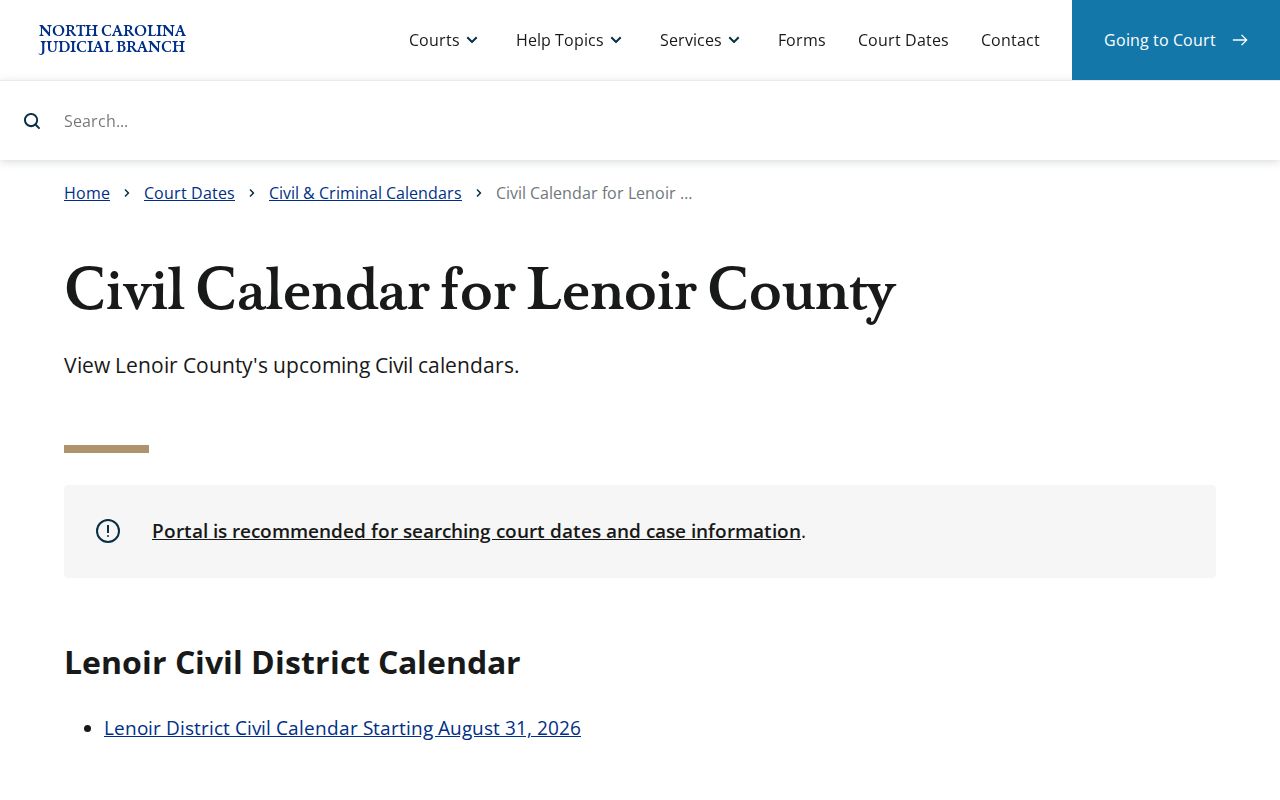
The Lenoir Civil Calendars destination and a Lenoir civil Register answer different questions. A Lenoir calendar is built to locate a setting. The Lenoir Register preserves the broader case history. Compare the selected Lenoir calendar result with the current Register, especially if an older entry shows a hearing that has since changed. When the calendar is unavailable because of a browser or technical problem, use the Lenoir schedules page and contact the clerk or court instead of relying on a copied calendar.
The official Lenoir civil-calendar route is the local setting channel assigned to this docket type.
A calendar date only helps when it is matched to the right Lenoir case, division, and current court information. Verify all three before you plan around it.
Lenoir Civil Docket Case Types
Civil matters in Lenoir County do not all start in the same division. Lenoir Superior Court District 9A serves as the county's general-jurisdiction trial court. Lenoir District Court District 9 and the magistrates handle lower-level and magistrate-assigned civil matters. The unified Lenoir Clerk of Superior Court keeps the records. Read the court and type printed on the summons, complaint, notice, or Portal result. Do not guess from a category name.
The published civil classes help you tell common Portal paths apart. They do not create separate Lenoir docket websites. Civil General and Civil Magistrate are broad labels. Foreclosure uses CV and M classifications. Estate, family, special-proceeding, and domestic categories carry their own Portal classifications and access limits. Some case types or documents stay restricted. A public search can still show related case information.
Lenoir Civil Scheduling Forms
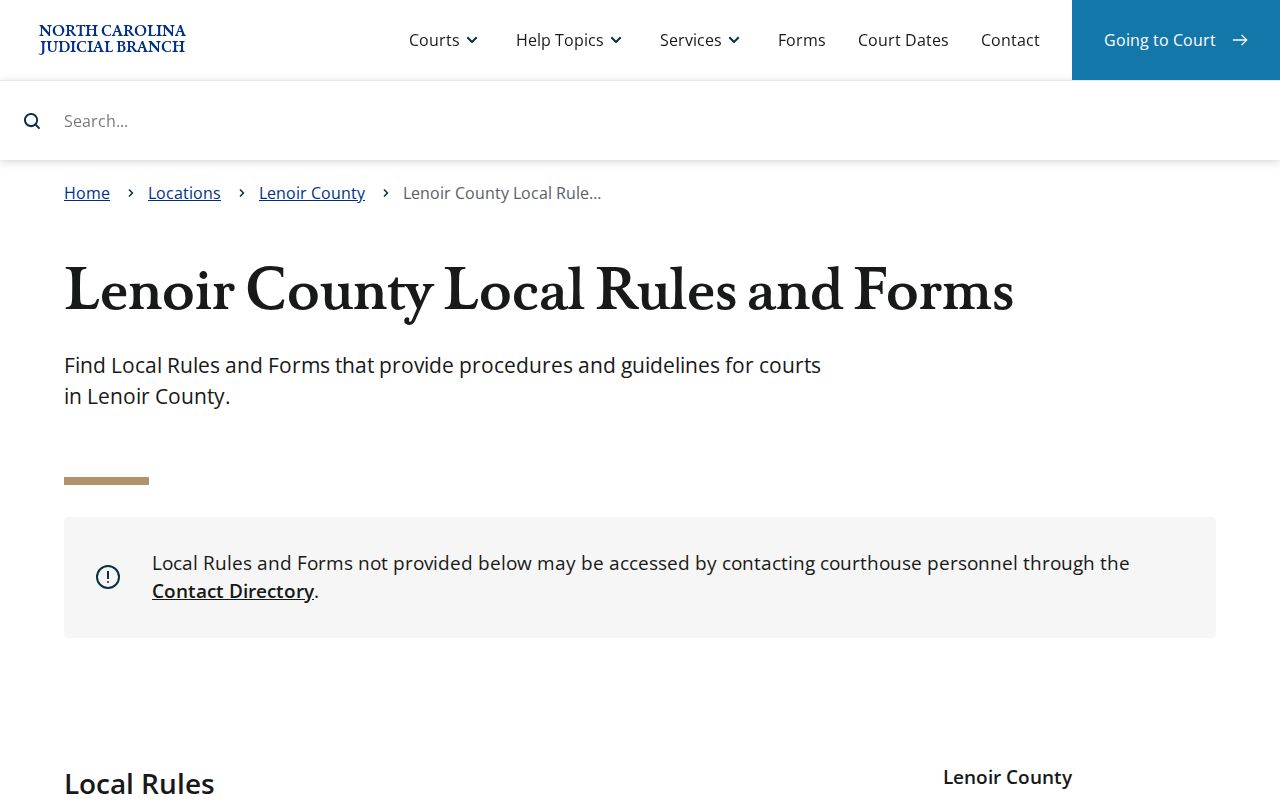
Lenoir County's local rules and forms page lists a Calendar Request, a Civil Case Status Report for Judicial District 9A, a Notice of Hearing, a Request for Peremptory Setting, and a Request for Continuance. These forms drive Lenoir civil scheduling as an active court process. They are not search fields, and none of them lets a party set a date without court action.
- Calendar Request
- A local request to seek scheduling through the court’s process, not a self-set hearing date.
- Notice of Hearing
- A filing that can identify a hearing, while later calendar or court action determines the current setting.
- Peremptory Setting
- A request for a priority setting. The court may allow or deny it after the prescribed process.
- Continuance Request
- A request to move a setting. It does not cancel the existing Lenoir date by itself.
Start with the Lenoir County local rules and forms page, which lists the civil scheduling forms the court accepts.
A Lenoir civil docket entry only shows activity. After a request is filed, watch for a court action, a revised calendar, or clerk confirmation before trusting any date.
Lenoir Civil Docket Settings
A Lenoir civil hearing date is a setting. It is not a result. Use Portal Search Hearings with the Lenoir Location and a Hearing Type. Add a case number or party name and a date range. Then compare what you find against the Lenoir Civil Calendar and the Lenoir Register.
Entries like a Notice of Hearing or a Calendar Request are easy to misread. They mark requests, not rulings. A later order, revised calendar, or clerk confirmation can move the practical date. The local scheduling forms make the same point. A filed continuance request alone does not stop an existing setting. Keep preparing until the court acts. Confirm through the current calendar, the assigned court, or the Clerk of Superior Court. Skip the old docket event.
Lenoir Civil Small Claims Access
Portal searching helps. The courthouse and the unified clerk still anchor Lenoir civil and magistrate work. Small Claims Courtroom now sits on the first floor of the main courthouse. It occupies the former Lenoir County Commissioners Meeting Room. Find it across from the District Attorney's Office and diagonally across from the Sheriff's Office. That detail matters when you are sent to a small-claims proceeding or a clerk counter.
Lenoir County runs no separate justice-of-the-peace portal. For routing questions about magistrate civil work, call magistrates at (252) 520-5430. For the file itself, a copy, or official record access, go through the Lenoir Clerk of Superior Court. When the Portal does not show a public document, the clerk office offers a public self-service terminal and paper-file inspection as fallbacks.
Lenoir Civil Clerk File Access
The Clerk of Superior Court holds the official Lenoir civil file. Treat a Portal Register, case event list, or judgment index as a lead. Never treat it as a stand-in. When you need a document, a current amount, or an official result, ask the clerk office to inspect the file or request a copy. State court guidance allows paper case-file viewing in the county where the case sits. Copies are available for a fee. Call the Lenoir Clerk of Superior Court at (252) 520-5300 before a time-sensitive or document-specific visit. Settle whether you need a plain or certified copy before ordering.
File & Serve serves registered filers in eCourts counties. It is an electronic filing route, not a public replacement for clerk records. A case document can be absent online. The Lenoir clerk counter, the public terminal, the phone route, and the file-copy process are the documented alternatives. Portal results can be incomplete for many reasons. A restriction, a sensitive document, a spelling issue, the case status, or a records-access limit could be the cause.
Lenoir Civil Docket Access
G.S. 7A-109 supplies the core Lenoir clerk-record and index context. Chapter 132 sets North Carolina's general public-records framework. Direct a case-file request to the Clerk of Superior Court. Its own court-record duties and confidentiality rules govern what you can get. Administrative Judicial Branch records follow a different public-record-request route.
Ordinary Portal results do not include sealed records, confidential material, or documents with sensitive information. A public Lenoir civil Register can show a full case history. Still, certain documents stay hidden. If a result is restricted, or no match appears, ask. The clerk can identify the proper authorized route. The public record serves well for following a case or reading court activity. But it never discloses confidential material.
Official file versus public summary: The Register of Actions is a public summary based on the clerk’s official record. For a certified civil judgment or an official Lenoir case document, request it from the Clerk of Superior Court rather than relying on a Portal screen.
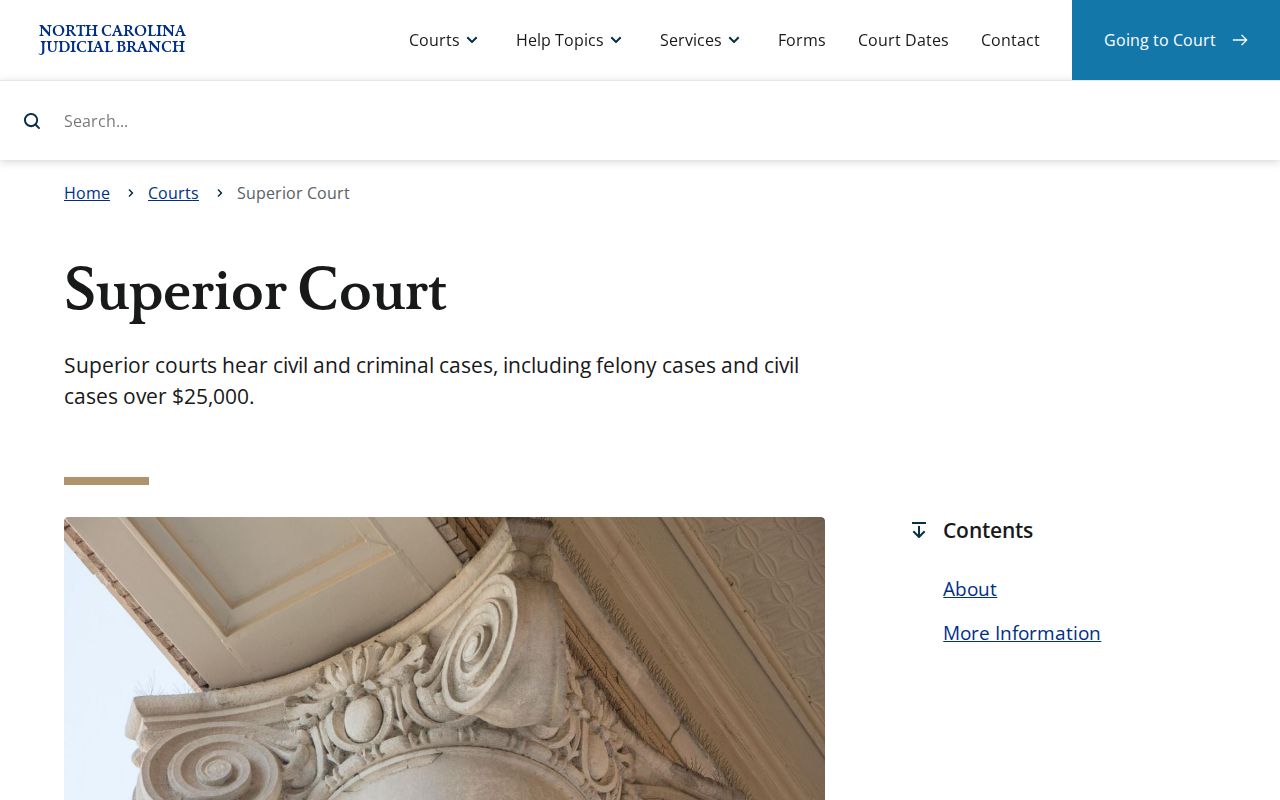
For the statewide trial division that includes Lenoir Superior Court District 9A, see North Carolina's Superior Court overview.
In practice, the Lenoir civil docket route stays local. Pick the county in the Portal, confirm settings through the local calendar, and get the official file from the clerk.