
How to Search Lenoir Criminal Dockets
Begin at the North Carolina eCourts Portal. That is the public doorway to any Lenoir criminal docket. Lenoir joined eCourts on April 28, 2025. That is why the Portal now carries ordinary public criminal and infraction case information for the county. Open Smart Search. Enter one basic criterion: a case number or a name in last, first order. The case number is the more precise route. A Lenoir name search can return several people. When that happens, set Lenoir as the location and apply compatible case-type and status filters after the basic search.
Click the linked case number itself. A result-list line tells you little. The Lenoir Register of Actions or Case Summary you open is a chronological public summary drawn from the Lenoir clerk's record, and it is not a certified court record. For a setting that matters, Lenoir Search Hearings offers a separate current-calendar route. The Lenoir criminal calendar plus the Lenoir Clerk of Superior Court confirm dates. One caution on the Portal: skip the optional date-of-birth party filter. Ordinary public results mask that field anyway.
- Choose Smart Search in the North Carolina eCourts Portal and enter a case number or a last, first name.
- Select Lenoir as the location and, when useful, choose Criminal or Infraction as the case type.
- Open the case number and read the Lenoir Register of Actions from the earliest shown event to the latest.
- Use Search Hearings, the Lenoir criminal calendar, or the clerk to verify an upcoming setting.
- Request a clerk copy or certification when an official document is needed.
Lenoir Criminal Portal Searches
Lenoir County criminal docket reading happens through the Lenoir Portal. That system is North Carolina eCourts Enterprise Justice, known as Odyssey. Not every tool there serves the public the same way. File & Serve is the registration-based e-filing system for parties and attorneys. It can display an accepted filing back to the filer. Even so, it is not an anonymous docket reader. For public viewing of a Lenoir criminal case, three tools matter. These are Smart Search, Search Hearings, and the Register of Actions. Each one gives a different view of the court record.
The Judicial Branch’s Lenoir eCourts go-live notice records the county’s move onto the electronic system. It also notes the county’s expanded public docket access.
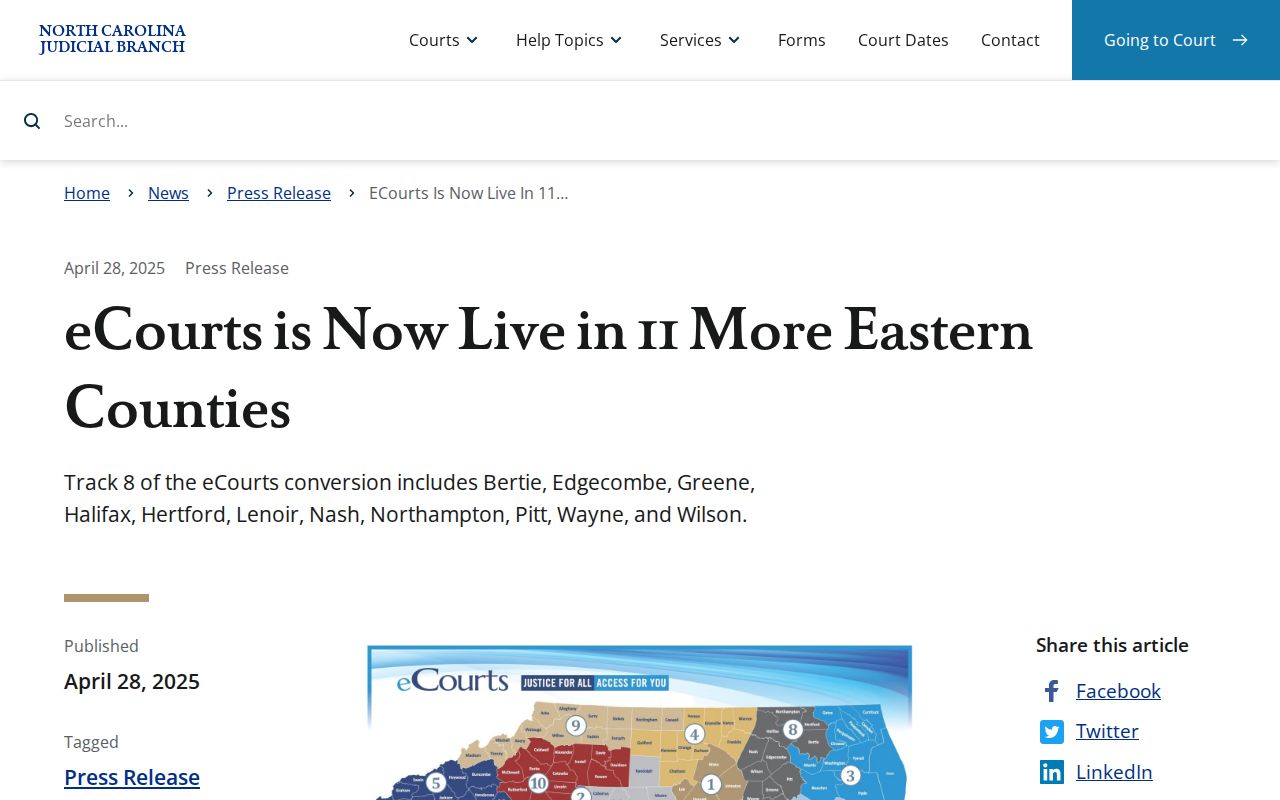
Lenoir converted in April 2025. That is why a Lenoir criminal docket search now starts at the statewide Portal rather than a separate county database.
What a Lenoir Criminal Docket Shows
A Lenoir criminal Register of Actions is a structured event history. It is not a story. Expect a case number and the court or location. Party and case data, filings or process, hearings, dispositions, and payment or judgment indicators appear where they are public. Citations, warrants, summonses, charging entries, arraignments, pretrial settings, pleas, trial events, dismissals, sentences, appeals, and transfers can all appear. Only the entries in your chosen Lenoir case establish what actually occurred, though.
Read the newer events, not just the old ones. A past hearing entry does not mean a Lenoir setting is still current. A judgment index may also lack a current amount. For detail, the Portal guide points to the Register's Dispositions area, and it sends users to the Clerk of Superior Court for official verification or current figures.
| Case reference | The linked case number opens the Register. Public formats vary by case type, so use the number printed on a Lenoir notice or citation. |
|---|---|
| Division | Criminal District Court may appear as CR/DISTRICT; Criminal Superior Court may appear as CRS/SUPERIOR on the AOC form codes. |
| Charge fields | Official form codes include CHG for the offense charged, CLASS for offense class, and CONV for offense of conviction. |
| Settings | Search Hearings can identify a date, hearing type, location, courtroom, or judicial-officer path. Confirm the current Lenoir setting. |
| Disposition | Use the entered disposition detail rather than treating a single status word as the complete outcome. |
Lenoir Criminal Record Codes
The Portal guide publishes no Lenoir-only dictionary of every event label. The code appendix to the statewide AOC-CR-314 certified-search form covers several report terms. It is the safer source. Those definitions help explain a Lenoir criminal record. They do not replace the particular Register entry or court order in the case.
- DC
- Dismissed by court or judge in the AOC code appendix.
- DD
- Deferred proceeding or deferred prosecution in the AOC code appendix.
- FTA
- Failure to appear. The code calls attention to a missed court date, not the reason for it.
- GU and GL
- Guilty to the listed offense, or guilty to a lesser or other offense, respectively.
- Appealed to S.C.
- A District Court criminal appeal path to Superior Court, where the matter follows a new-trial route.
Other Lenoir Portal statuses include Pending, Disposed, Remanded, Transferred to Superior Court, and Pending Expungement. Each one needs context from the Lenoir case chronology. A status alone never proves facts the public court record does not contain.
Stages on a Lenoir Criminal Docket
A Lenoir criminal docket often runs from process and charging activity through arraignment, pretrial settings, a plea or trial, disposition, and sentencing. Cases rarely hit every stage in the same order. Some show a citation number instead. Others show a transfer, a continuation, an appeal path, or a payment-related event. Follow the dated line items. Then confirm any upcoming court date through the calendar or the clerk.
Docket flow: Filing or Process → Arraignment → Pretrial → Plea or Trial → Disposition → Sentencing
Lenoir Criminal Docket Courts
Lenoir operates one General Court of Justice. There are no separate county and district clerk sites. Felony-level matters go to Lenoir Superior Court District 9A, the general-jurisdiction criminal trial division. Misdemeanors, infractions, and lower-court criminal work belong to Lenoir District Court District 9. Magistrates handle specified process and lower-level matters inside the same system. One office holds the unified local court file. Across all of these paths, it is the Lenoir Clerk of Superior Court. North Carolina's District Court description explains the lower trial division that receives misdemeanor and infraction work. That is where such cases land.
For a Lenoir criminal docket, trust the division shown in the Portal and the case type on the notice. Hunting for a separate local criminal-court website just wastes time.
Lenoir Criminal Transfer Status
A District Court result is rarely the end of the road. A Lenoir entry may read Transferred to Superior Court. It may also say Transfer to Another County, Appealed, Remanded, or Trial De Novo. An appeal out of District Court usually means a fresh trial in Superior Court. It is not just a second look at the lower docket. So whenever a Lenoir criminal docket shows a transfer or appeal, chase the later case path. Pull its hearing record too. The first docket is not the whole story.
Need help finding the right court-record channel for an open case? The Lenoir Clerk of Superior Court can point the way. The magistrate line, (252) 520-5430, handles magistrate routing. It is not a standalone Lenoir criminal docket portal.
Lenoir Criminal Calendar Checks
The official Lenoir Criminal Calendars destination, Portal Search Hearings, and the case Register serve different jobs. Search Hearings is designed around a selected location, hearing type, identifier, and date range. The calendar provides the case-type schedule context. The Register preserves the event history. When they seem to disagree, use the current calendar and clerk or court contact for a close-to-hearing confirmation.
The official criminal-calendar route is a separate Lenoir source from the case search.
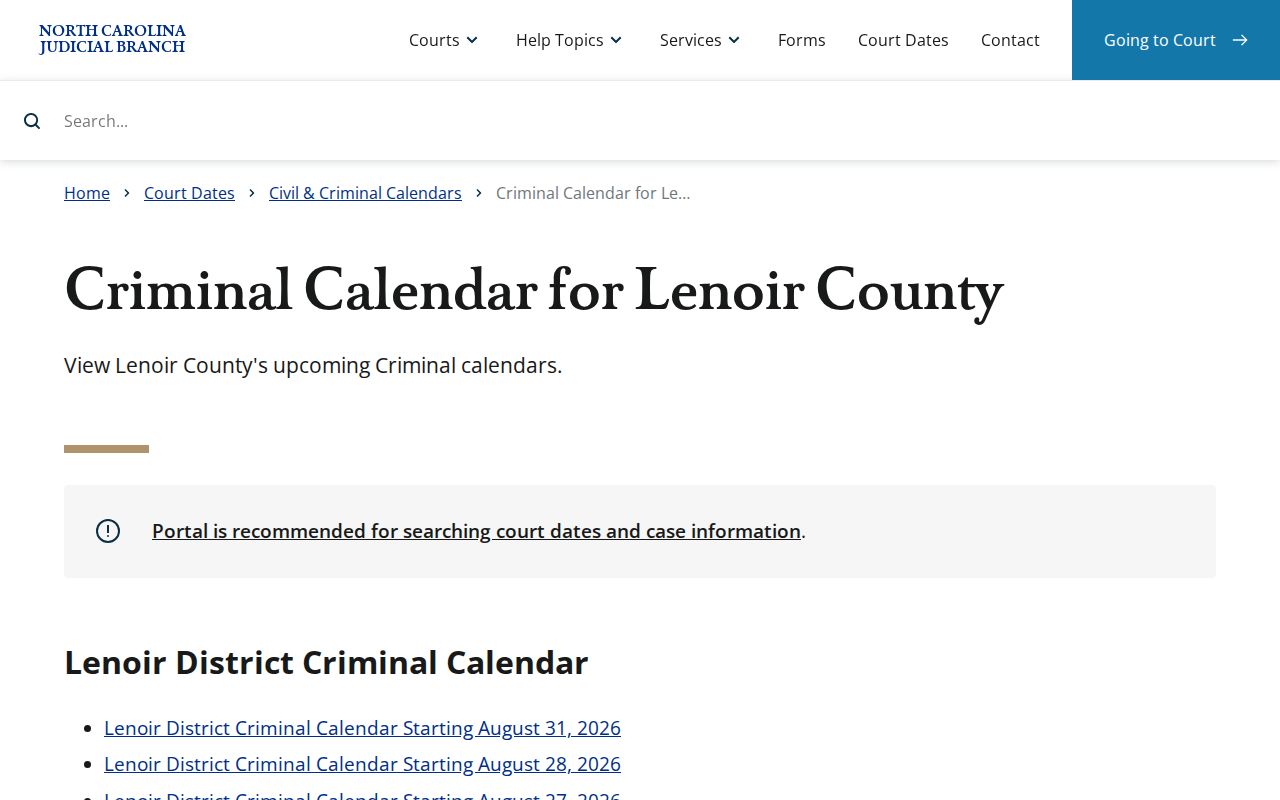
Browser protection or a temporary error can block the calendar. In that case, use the Lenoir local schedules page, then call the clerk at (252) 520-5300 rather than substituting an unofficial calendar.
Lenoir Criminal Clerk Records
Treat a public online Register as a summary. Charging documents, orders, and current balances come through the Clerk of Superior Court. So do paper files and certified dispositions. Official court-record guidance also lists fallbacks for a failed Portal search. Courthouse public terminals are one. Paper-file inspection is another. For a Lenoir criminal file, the counter and public terminal are the practical in-person route. Call the clerk first when you need an archived file or one specific document.
The AOC-CR-314 form requests a certified county criminal-record search for a $25 fee. It runs by name and covers one county, with juvenile and confidential-record limits. It is not a request for a full copy of a Lenoir docket. Ask the clerk which copy fits your need. A plain copy, certified copy, or a single case document are the choices.
Lenoir Criminal Docket Access Rules
Public access to Lenoir court records starts with the Clerk of Superior Court. G.S. 7A-109 governs the clerk's records and indexes, within confidentiality and sealing rules. Chapter 132 sets North Carolina's general public-records backdrop. Even so, a Lenoir case file ordinarily comes from the clerk, not a generic county-agency request channel.
Portal results can leave out sealed or confidential records and sensitive documents. Juvenile records stay confidential. Expunged records are not ordinary public search material. A no-result might stem from spelling, case format, a broad search, coverage, or a restriction. It does not prove no court file exists.
Access limits: G.S. 15A-151 makes expunged court and AOC records confidential. G.S. 7B-3000 protects juvenile records. The Clerk of Superior Court can identify the authorized route for a particular Lenoir case.
The Judicial Branch expunction information lays out the official forms and process for an eligible personal matter.
Expunction rules and eligibility turn on the governing law and the facts of the case. A blank Lenoir criminal docket result is never a universal answer.