
The Lenoir County Court Calendar
Lenoir County pulls its date information from several official sources that work side by side. The North Carolina eCourts Portal offers Lenoir Search Hearings. It is the tool for finding an individual case or hearing. The Lenoir county court page links to separate Lenoir Civil Calendars and Lenoir Criminal Calendars. For District Court schedule context, there is the Lenoir Local Administrative Schedules page. It also offers routes to more calendar material. The Register of Actions for a Lenoir case records dated settings and changes. But treat an old Register event as history, not as the current calendar, until you check again elsewhere.
Each Lenoir calendar channel answers a different question. Search Hearings narrows a setting by criteria and date range. A civil or criminal calendar arranges the local schedule by case type. The Register supplies the history that helps you pin down the right case. As a hearing gets close, lean on the current Lenoir calendar. The assigned court and clerk give the best practical confirmation. That ladder matters. One source can display a moved or cancelled event later than another.
Lenoir Civil and Criminal Calendars
Lenoir County keeps its civil and criminal calendars in separate official channels. For a civil matter, use the Lenoir Civil Calendars route; for a criminal or infraction matter, use the Lenoir Criminal Calendars route. Make sure the county and the calendar type match the case. A statewide calendar, or one with the wrong case type, can hand you a real date that has nothing to do with the Lenoir case you are checking.
| Official channel | Best use | When to use another channel |
|---|---|---|
| Search Hearings | Find a setting using an identifier, Lenoir location, hearing type, and date range. | Compare with the case Register and calendar before acting on a close date. |
| Lenoir Civil Calendars | Check the civil setting context for a Lenoir civil case. | Use clerk or court confirmation if the calendar is inaccessible or a date is near. |
| Lenoir Criminal Calendars | Check the criminal or infraction calendar context. | Use the Register and clerk if a transfer, appeal, or continuation appears. |
| Local schedules | Understand general Lenoir District Court and local scheduling context. | It is not a personal notice or a case-specific setting. |
If an online Lenoir calendar returns a browser-protection notice or a technical error, do not fall back on an unofficial copy. Use the Lenoir schedules page, the relevant case Register, or a clerk or court contact instead. Those channels stay official when the calendar page stalls.
How to Find Your Lenoir Court Date
Begin with the citation, summons, notice, or case number you already have. That document points you toward the right Lenoir division and case type. In the North Carolina eCourts Portal, open Search Hearings, select Location and Hearing Type, pick a search route, enter the required identifier and a date range, then submit. If you still need to locate the case itself before checking the setting, the separate Lenoir case search route will surface the case reference.
- Read the Lenoir case number, citation, summons, or notice for the court and case-type clues.
- In Search Hearings, select Lenoir as Location, choose the relevant Hearing Type, and select a supported search type.
- Provide the case number, party name, business name, attorney information, judicial officer, or courtroom route together with the required date range.
- Compare the returned Lenoir setting with the Register of Actions and the appropriate civil or criminal calendar.
- Call the Clerk of Superior Court at (252) 520-5300 or the relevant court contact when the sources differ, the date is imminent, or a calendar is unavailable.
A public self-service terminal at a clerk office is another official route when online access fails. An attorney of record can also confirm the current litigation setting for a represented party. Keep in mind that a submitted form or an old email is no substitute for the Lenoir court's current calendar information.
Lenoir Portal Hearing Searches
Lenoir Search Hearings is its own Portal function, not simply a copy of Smart Search. The official workflow begins with a Lenoir location and a hearing type. It then asks for a search type and the information that supports it. You can search by Case Number, Party Name, or Business Name. Attorney Name, Attorney Bar Number, Judicial Officer, and Courtroom are options too. The illustrated paths also demand Date From and Date To before the search runs.
Choose a meaningful Lenoir date range. A broad party-name search with no location or date range often proves less useful. A simple case-number search works better. The Portal result shows the hearing search context and whatever setting information is available. Live columns can change, though. Write down the displayed case number, location, date, hearing type, and any courtroom or judicial-officer data. Then compare that result against the Lenoir calendar and Register.
The official eCourts public-access kiosk guide describes a courthouse access channel for public court information.
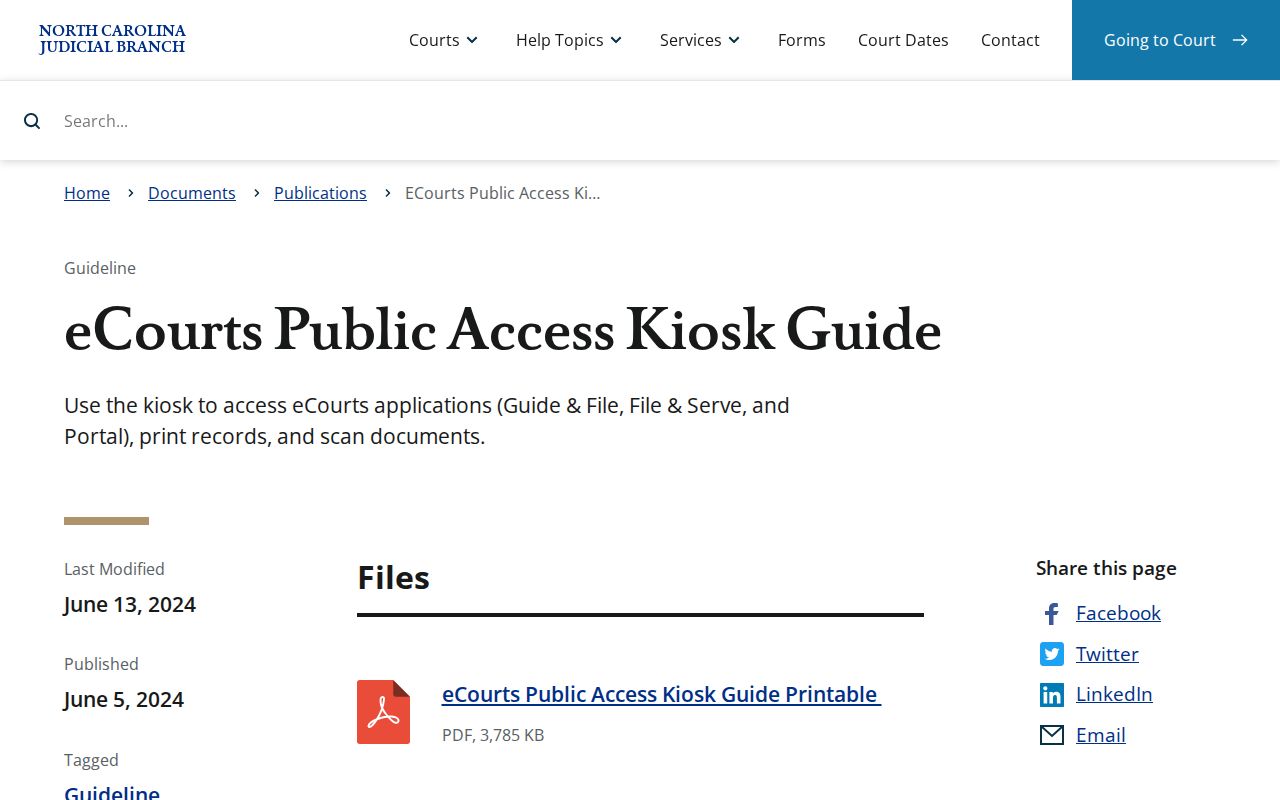
That guide is a generic official reference for the interface. Confirm the particular Lenoir terminal location and its availability with the Clerk of Superior Court.
Reading a Lenoir Court Setting
A Lenoir court setting is a scheduled event, nothing more. It does not guarantee the matter will be reached, heard, or resolved. It shows only the displayed moment. A good entry identifies the Lenoir date, time, and courtroom or location. It also shows the judicial officer where listed, the hearing type, and the case reference. The most useful check is simple: does every field point to the same Lenoir case? An outdated event or a wrong courtroom can otherwise create a false match. A broad statewide search can do the same on the Lenoir court docket.
| Date | The calendar day shown for the Lenoir setting. A revised calendar or court action can move it. |
|---|---|
| Time | The scheduled time or docket-call time. It is not a promise that the case will be heard at an exact minute. |
| Courtroom or location | The selected Lenoir courtroom or court location. Portal lists courtrooms statewide, so the specific choice matters. |
| Judicial officer | The assigned officer search route or setting detail where the Portal displays it. |
| Hearing type | The selected event category. Read the live label and case materials rather than guessing its effect. |
The case number is the strongest tie between the Lenoir calendar line and the Register. Keep that reference handy when you call the clerk or court for confirmation.
Lenoir Courtroom Search Context
Searching by courtroom on the Portal goes smoothly when you already know the location. You also want a tight date range. The official guide gives a fair warning. The courtroom selector pulls in rooms from all over North Carolina. Pick Lenoir first. Only then narrow to the local setting before you choose a room. A room with a familiar-sounding name elsewhere in the state proves nothing about Lenoir County.
When you have one Lenoir case in mind, Search Hearings by case number or party is usually the faster route. Courtroom and judicial-officer searches make more sense in a different situation. They help when the case number is missing but the local calendar picture is clear. Does an online answer still look shaky? The Clerk of Superior Court and the right court contact remain the official confirmation path.
Lenoir Court Calendar Forms
On Lenoir's local rules and forms page, Judicial District 9A gets a Calendar Request, Notice of Hearing, Request for Peremptory Setting, Request for Continuance, and Civil Case Status Report. Filing these papers shapes how a future calendar event shows up in a case. But none of them hands a person the power to pick a Lenoir court date on their own. That choice stays with the court's own process.
- Calendar Request
- A request for scheduling through the court process, not a court-issued calendar entry.
- Notice of Hearing
- A notice that may identify a proposed or assigned hearing, subject to later court action or calendar changes.
- Peremptory Setting
- A request for a priority setting. The court can grant or deny it.
- Continuance Request
- A request to move a date. The original Lenoir setting remains in place until the court acts or a revised calendar appears.
A Lenoir form filing carries procedural weight, nothing more. The operative setting is whatever the current calendar, a signed order, or clerk confirmation says it is.
Lenoir Court Date Resets
Resets, continuances, cancellations, transfers, and appeals can all bend a Lenoir calendar path. They can each send it in a new direction. A Request for Continuance, standing alone, cancels nothing. So keep hunting for an order or a revised calendar. Word from the clerk or court matters too. A Portal Register can leave the old event sitting in the historical timeline. That is exactly why one dated entry should never end the search.
Transfers deserve the same caution. A District Court criminal appeal may keep moving in Superior Court. It runs there as a fresh trial path. Entries like Transferred to Superior Court, Transfer to Another County, Appealed, or Trial De Novo all point somewhere. Each one leads toward the later Lenoir record or the later court path. Let the case number and the newest setting steer the next check.
Lenoir Local Court Schedules
Lenoir County Local Administrative Schedules lays out the District Court schedule. It also links to civil and criminal calendar sources. The page carries a January through June District Court schedule. Dated Superior Civil session material appears there too. Helpful as those are for planning, neither one replaces the case-specific Lenoir setting. That setting comes from the current calendar or a Portal result.
For the county's calendar channels, the official local schedules page is the right Lenoir source.
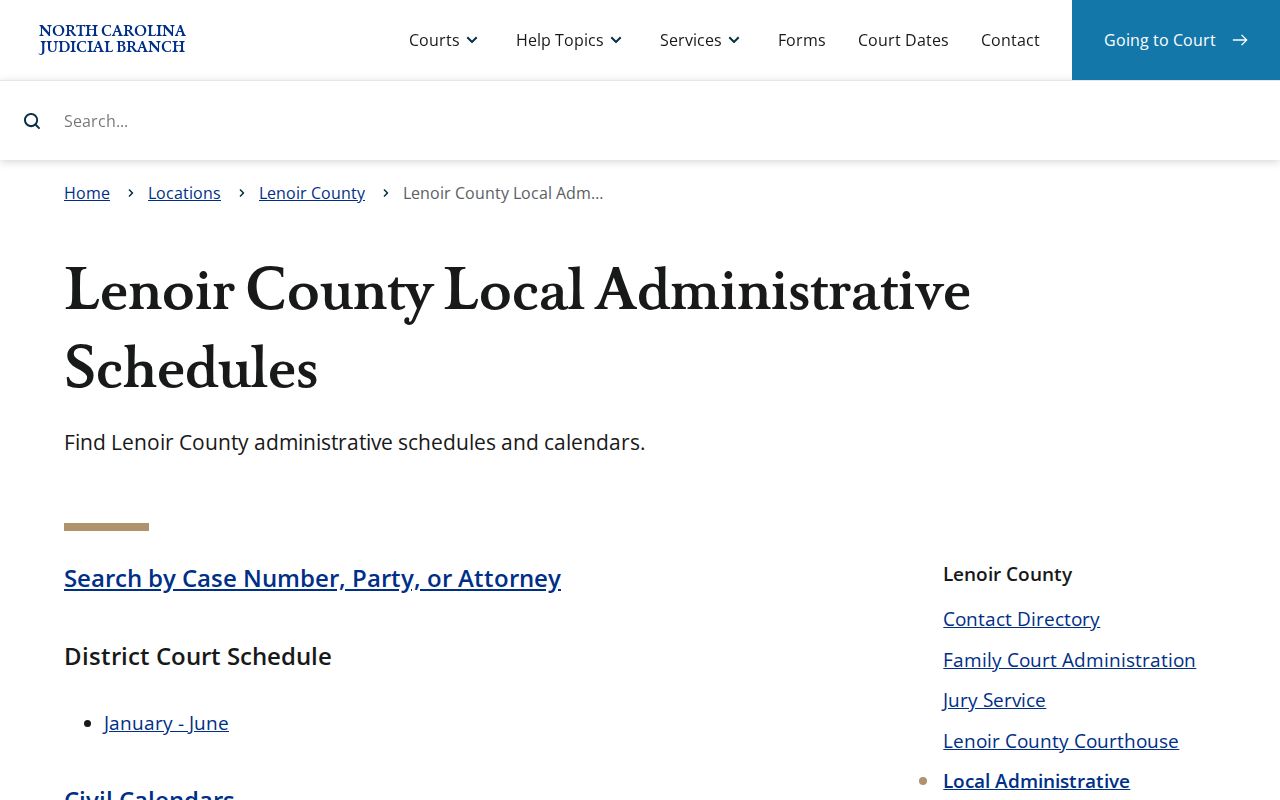
A schedule sketches the Lenoir court's general operating rhythm. The actual court date comes from the case Register, the current calendar, or clerk confirmation.
Missed Lenoir Court Settings
Missed a Lenoir setting? Move fast. Pull up the current Portal case history and calendar first, then call the Clerk of Superior Court at (252) 520-5300 or the appropriate court contact. The Lenoir directory routes court-office calls to Superior Court Judges at (252) 520-5420 and District Court Judges at (919) 722-6250. Anyone with a lawyer should ring counsel too. Never assume a new date exists until the court, the clerk, an order, or the current calendar confirms it.
Missed a setting? A missed criminal court date can result in a failure-to-appear entry, and the court may take further action. Confirm the Lenoir case status immediately through the clerk or the appropriate court channel rather than relying on an older calendar line.
The next step in any Lenoir matter turns on the case type, what the court did, and the current record. A clerk can point to the right record or calendar channel. Legal advice is a job for a licensed attorney.